01
Record & Mangle
Capture audio from your hardware input and granulate it as it comes in, or loop a phrase and let the engine chew on it. Freeze the grain cloud to hold a sound for as long as you want. Export captures as WAV to the Files app.
A granular instrument for iPad and iPhone.
Load a sound or record one live, then pull it apart into grains. Stretch and scatter it until it stops sounding like the source, or pitch it and play it like an instrument. Same engine as Grainsmith on the desktop; a new single-screen design, built to be played.
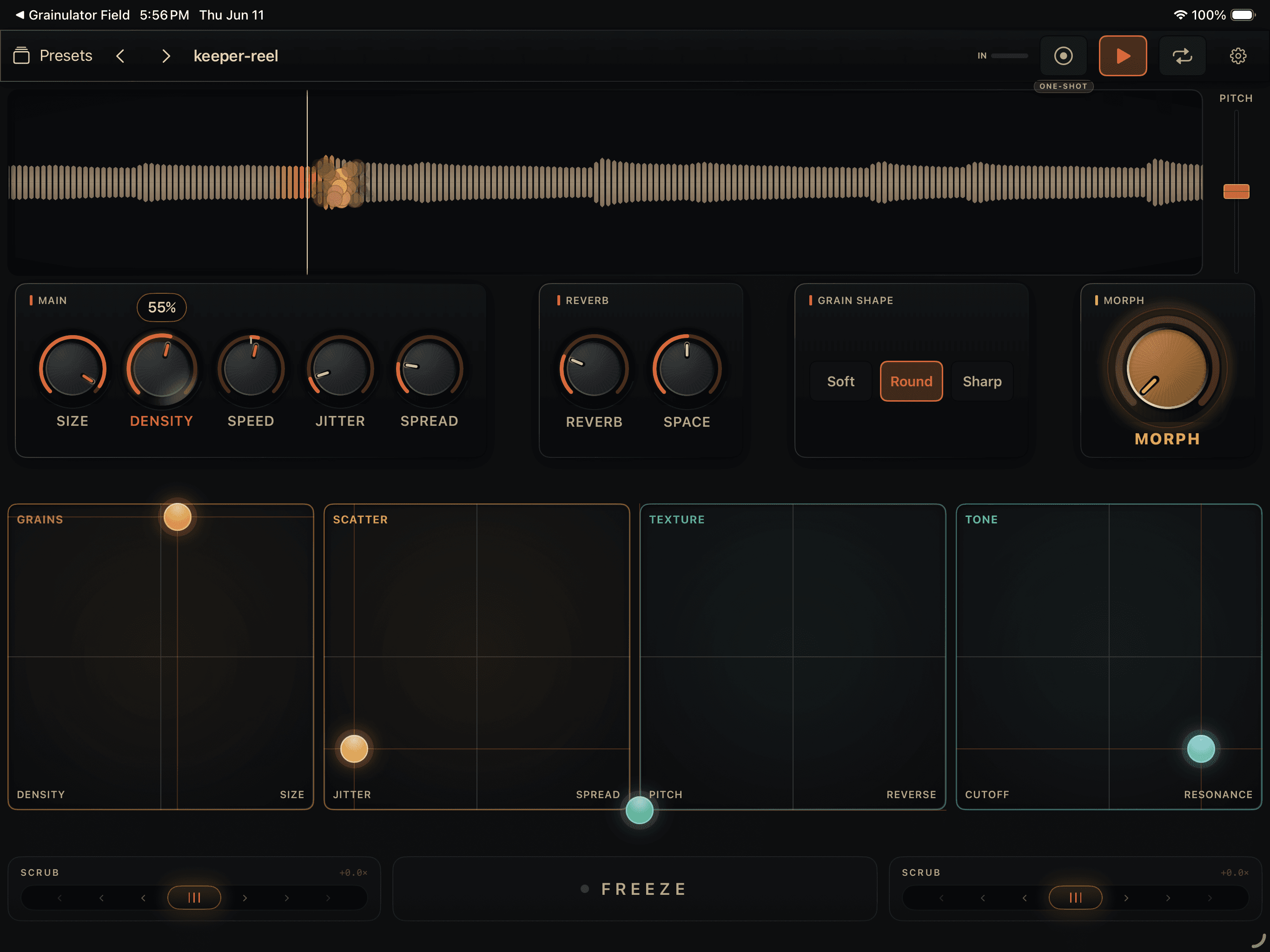
Capture audio from your hardware input and granulate it as it comes in, or loop a phrase and let the engine chew on it. Freeze the grain cloud to hold a sound for as long as you want. Export captures as WAV to the Files app.
Switch to Instrument mode and play the grain engine from a MIDI keyboard: four-voice polyphony, an attack/release envelope, and a root-note control. Works with hardware MIDI in the standalone app and with host MIDI in AUv3.
The AUv3 music effect loads in AUM, Logic for iPad, and other AUv3 hosts. Parameters are exposed for host automation and MIDI learn, and your patch is saved and restored with the session.
All processing is local. The rest of the box:
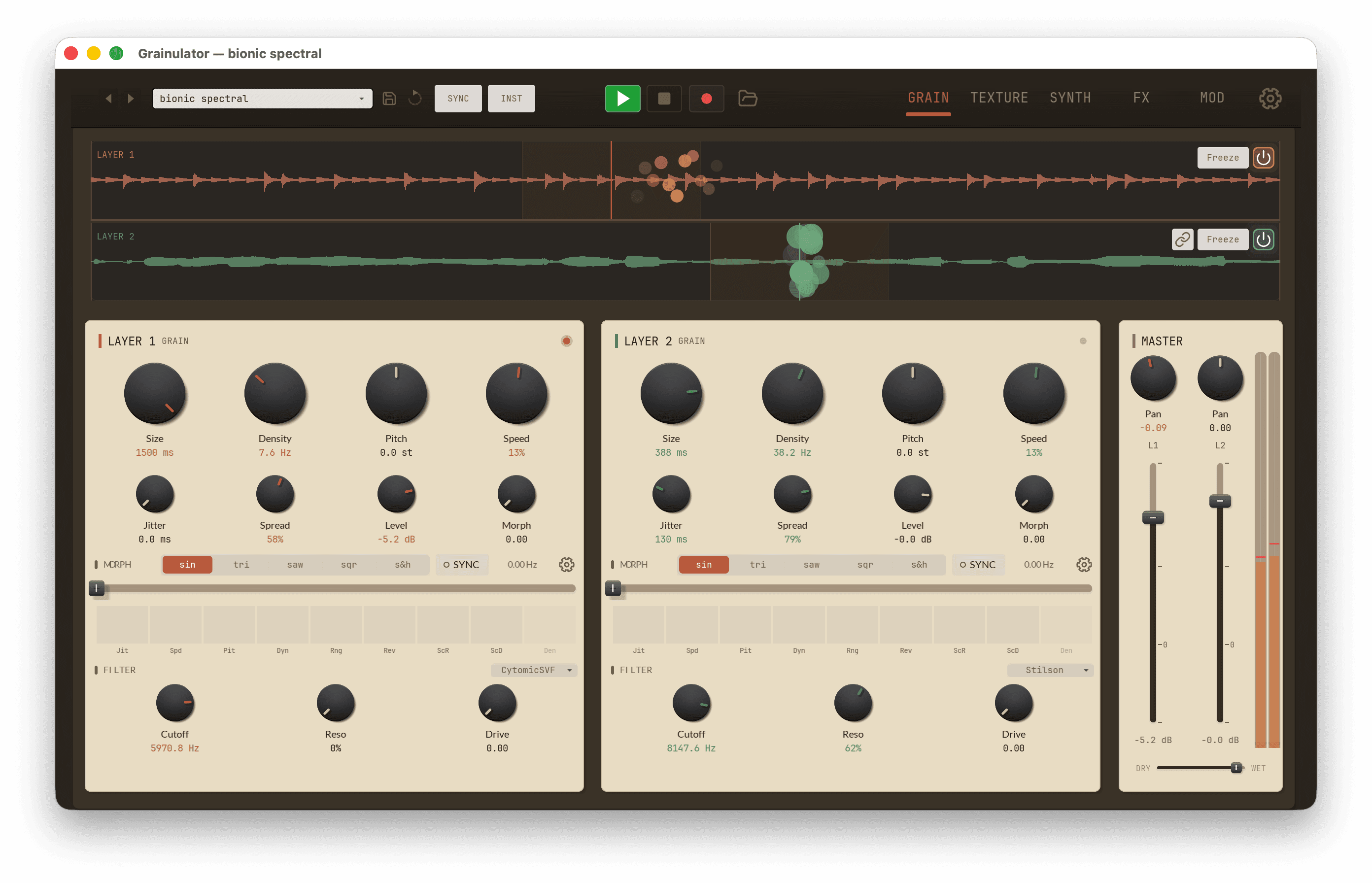
Field and Grainsmith share one C++ granular engine. Export a capture as WAV and drop it into Grainsmith on the desktop: two layers, two spectral engines, a full modulation matrix, and the room around the sound.
Three controllers work out of the box after a one-time setup. Full CC assignments and a MIDI Fighter Twister config file are on the controller setup page.
No. Grainsmith Field is a separate product with a separate App Store listing and a separate price. It shares the same granular engine as the desktop plugin, but the UI, the interaction model, and the feature set are different, built specifically for touch and iOS. There is no automatic cross-buy between the App Store and our desktop store. The two are made to work together: design on the desktop, perform on the device, or capture something live in the field and bring it into the desktop session.
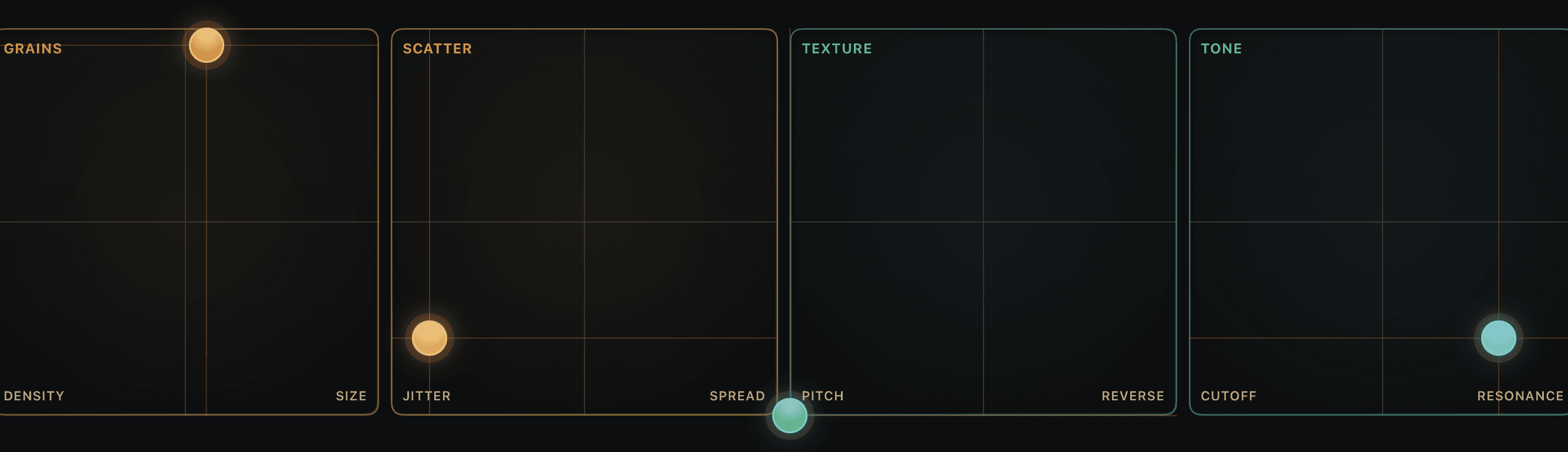
A granular instrument built for iPad: four XY performance pads, live audio capture, a 4-voice MIDI mode, and an AUv3 that runs in AUM and Logic for iPad. Runs on iPhone too.
$11.99 · iPad & iPhone · no subscription